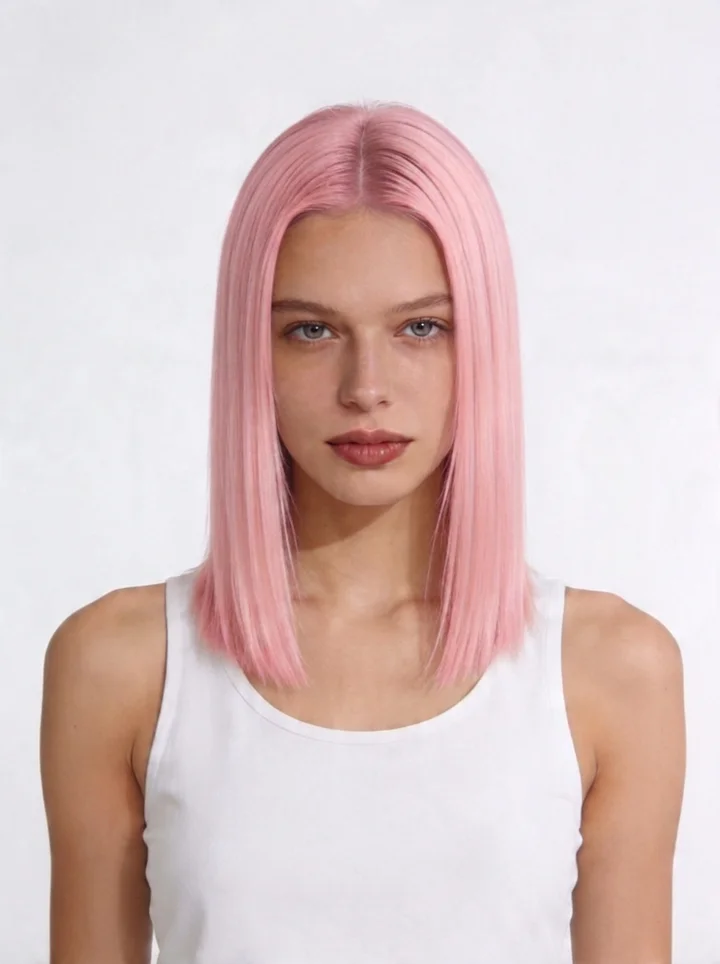
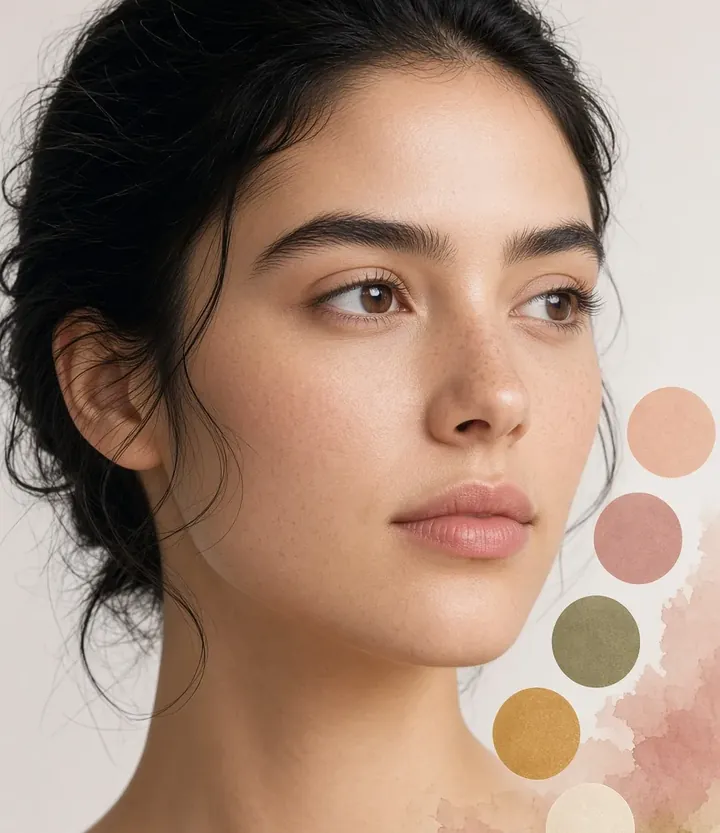
Oval
Balanced proportions with a gently tapered chin. One of the most versatile shapes for most hairstyles.
FREE
Find hairstyles that fit your bone structure. Oval, round, square, heart, diamond, or oblong.


1 free generation. No card.
Hair Studio maps your face from a selfie, then suggests cuts that flatter that structure.
Balanced proportions with a gently tapered chin. One of the most versatile shapes for most hairstyles.
Soft curves with similar length and width. Styles with height at the crown add length.
A defined jawline with strong bone structure. Soft, layered styles balance the angles.
Wider at the temples, narrowing to the chin. Volume at the jawline balances the shape.
Cheekbones stand out, with a narrower forehead and chin. Crown volume flatters this shape.
A longer face with even width throughout. Side volume and bangs soften the silhouette.
Oval, square, or heart. Each one maps to styles that flatter that bone structure. Then you preview them on your photo.
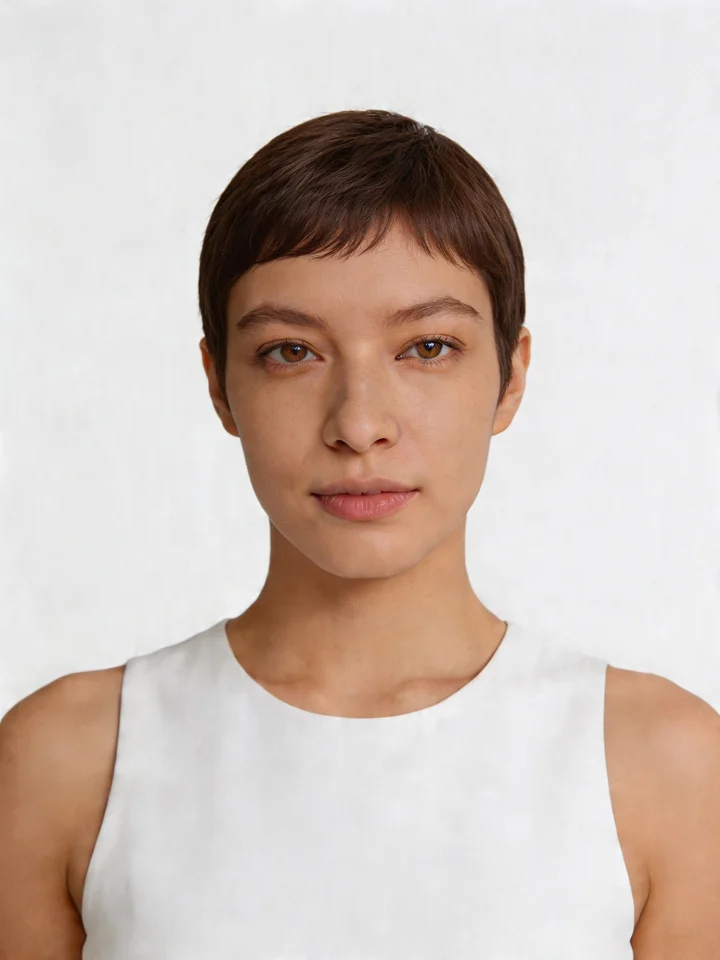
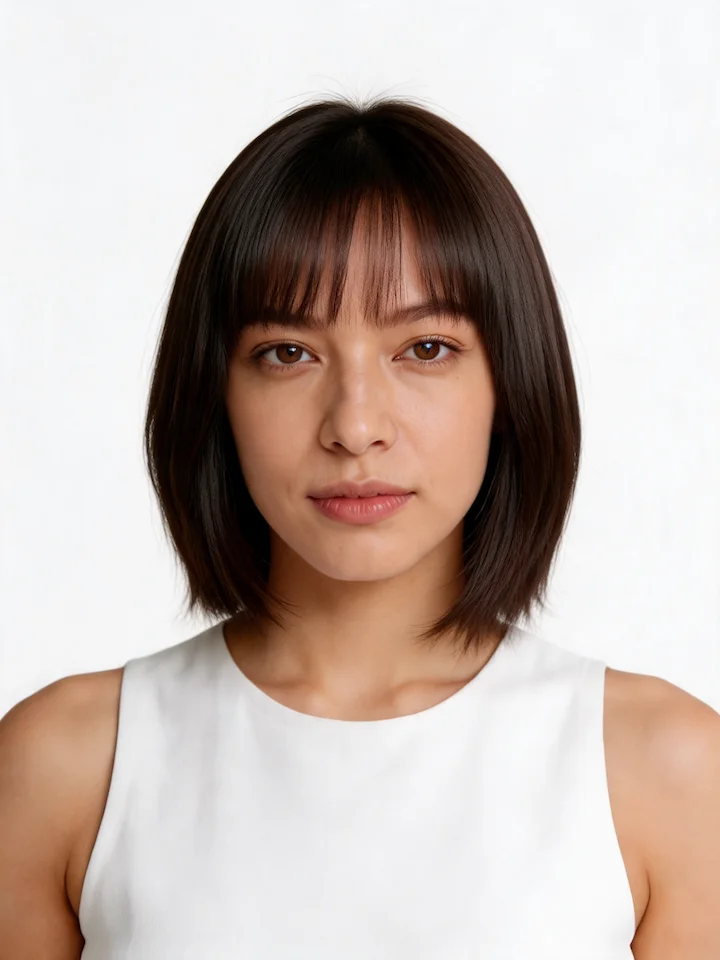
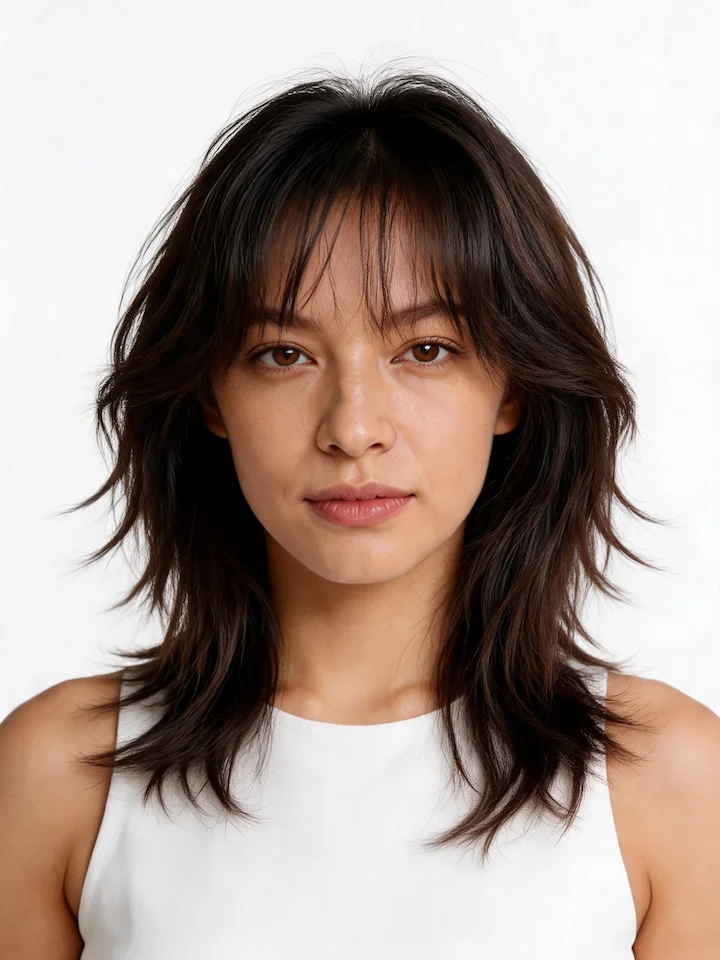
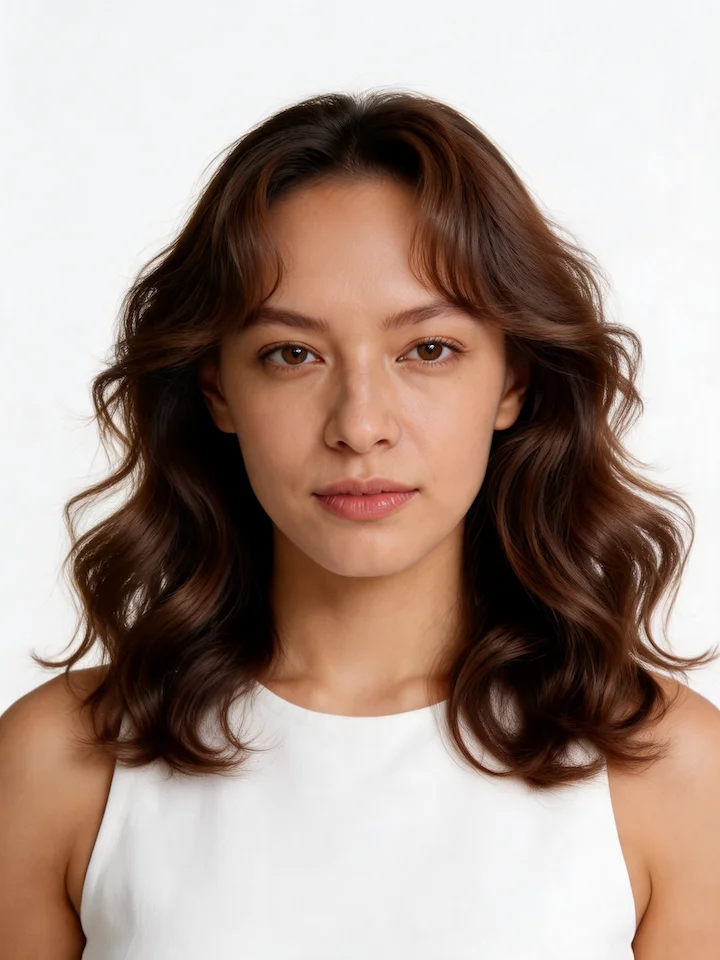
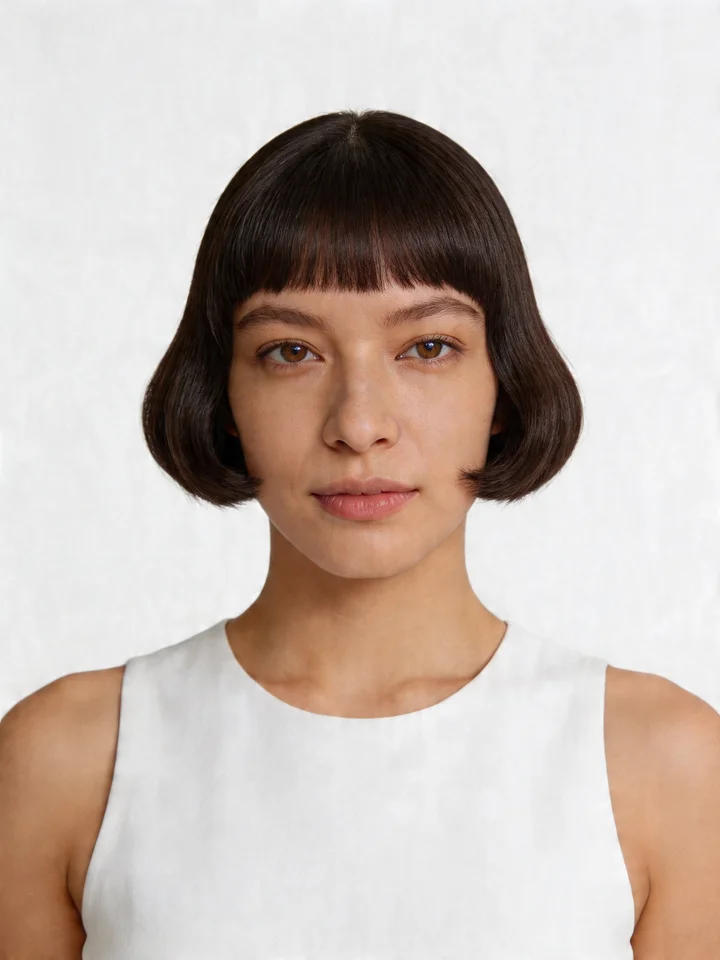
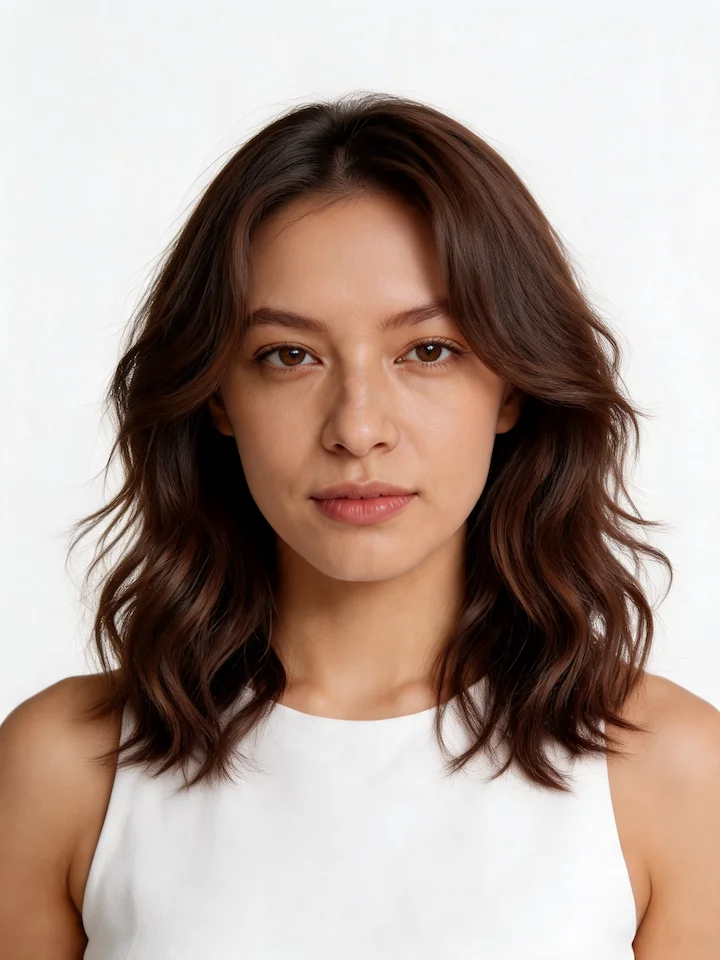
Shape picks the cut. Preview it, test the color, then check the season that fits both.
See a new cut or color on your photo. Start with one free generation. No card.
What the detector looks for, and what you get.
Take a front-facing selfie in Hair Studio. The detector maps your proportions and names one of six shapes.
Yes. Face shape detection is free in Hair Studio. You also get 1 free generation to preview a style.
Six: oval, round, square, heart, diamond, and oblong. Some faces combine traits of two shapes.
After it maps your face, Hair Studio suggests cuts that flatter that bone structure. Then you preview them on your photo.